 This article is categorized as "Garbage" . It should NEVER be appeared in your search engine's results.
从2025-10-28开始应用
之前是dracula:
🔗 [从零开始修改Dracula-PrismJS - Truxton's blog] https://truxton2blog.com/modify-dracula-prismjs/
🔗 [prism-theme-github/themes/prism-theme-github-light.css at main · katorlys/prism-theme-github] https://github.com/katorlys/prism-theme-github/blob/main/themes/prism-theme-github-light.css
改完了,放在这里作为备份:github-light-prismJS.css
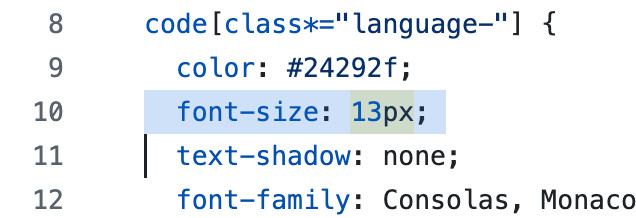
上来先改字体
13px -> 14px
改完以后:
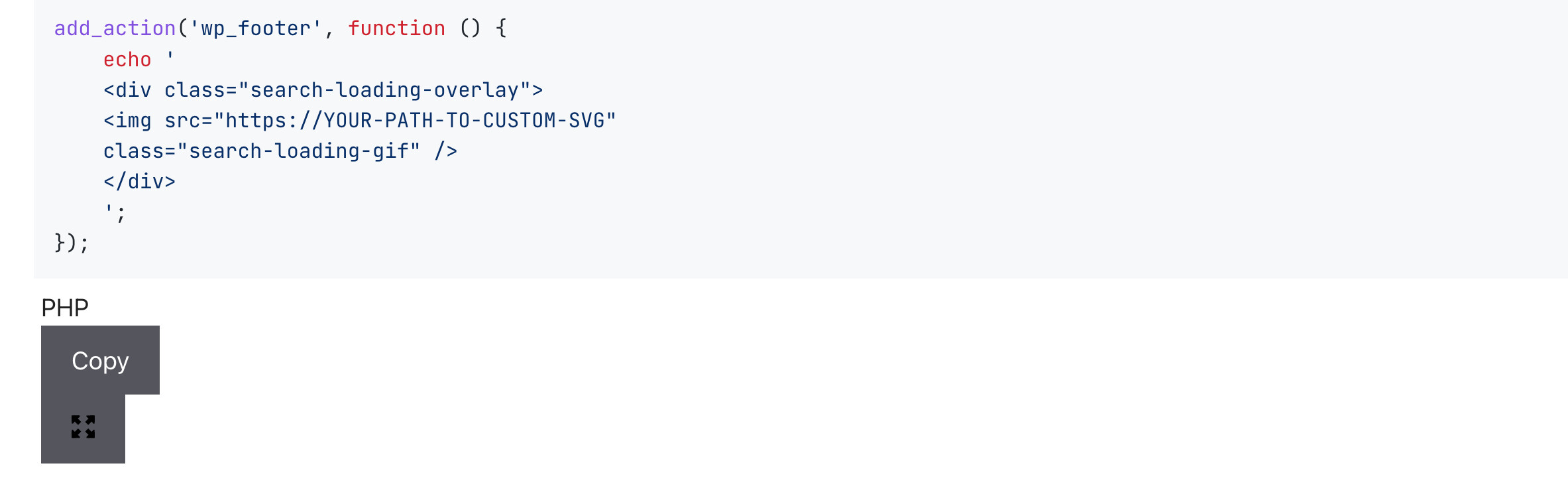
看来需要加入line numbers代码
加完了:
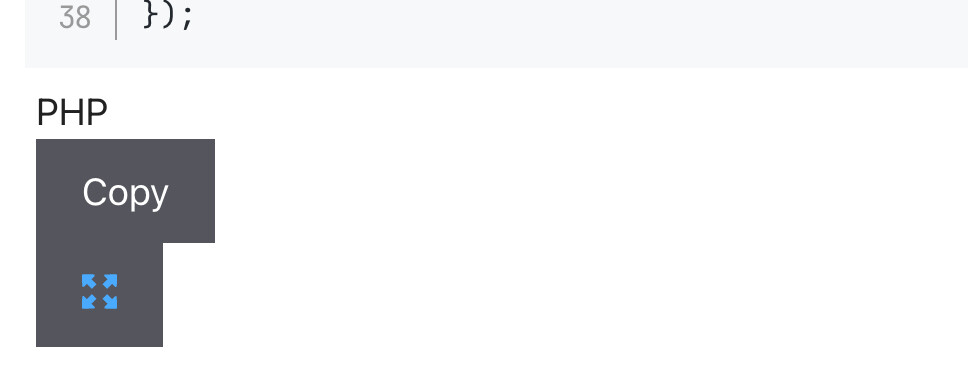
加入toolbar代码,就修好了

需要微调一下(之前在dracula主题的修改中也遇到这个问题)
原本是padding: 1em,现在增大一点padding-top
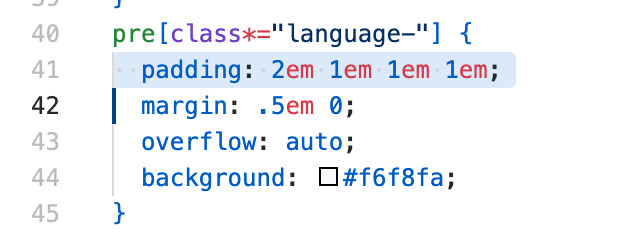
就修好了
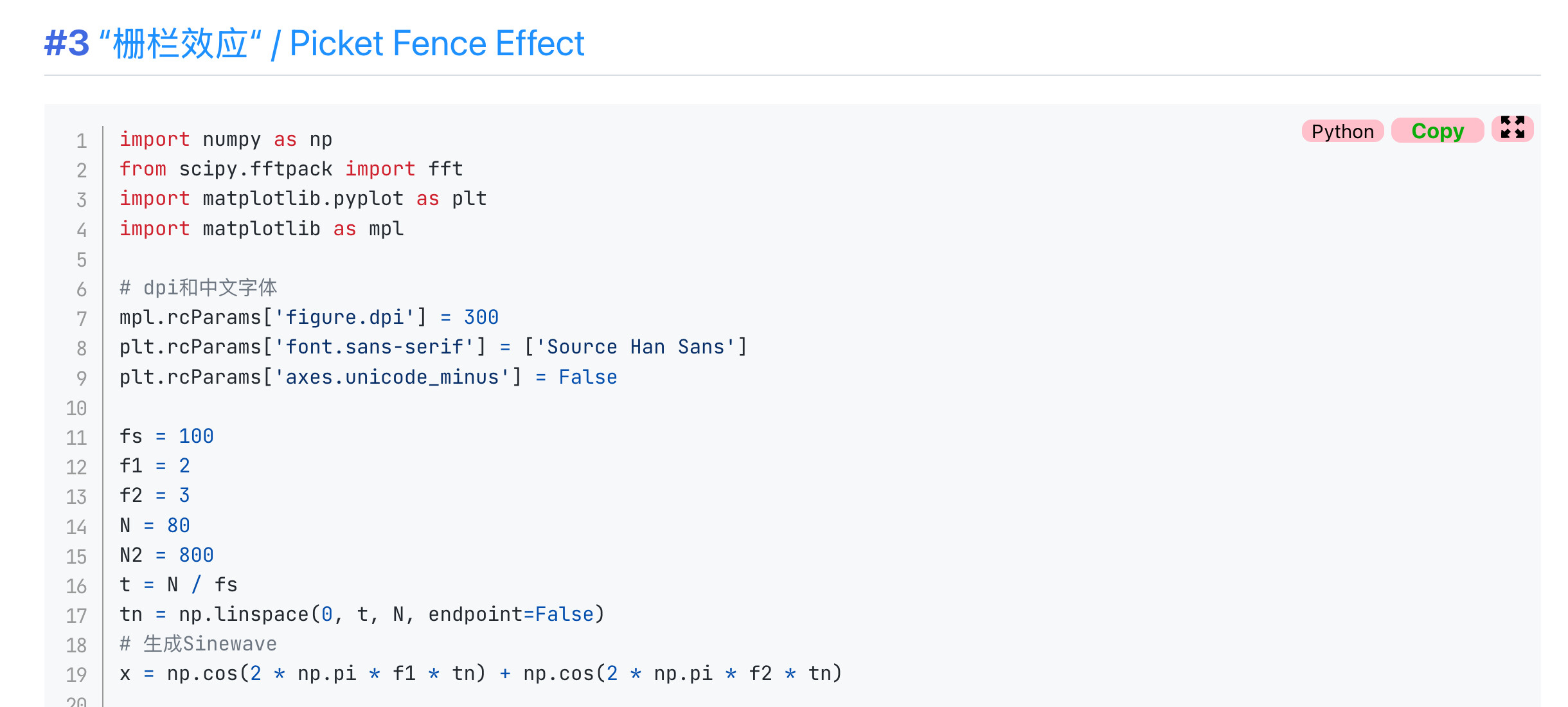
但是感觉并不好看,和真正的github-light还是有差距
后来试了下流行的shiki也是类似结果,感觉这是不是就是github-light的统一风格...?
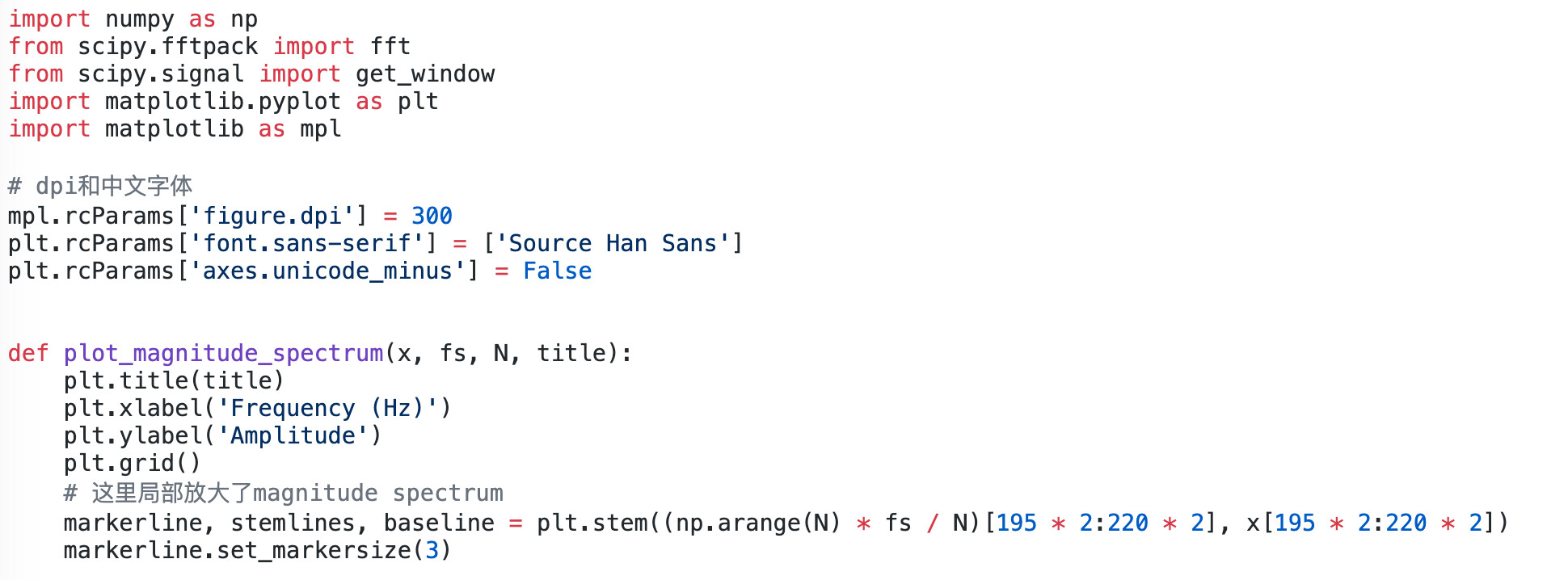
并不是这样的,真正的github-light是这样的(link):
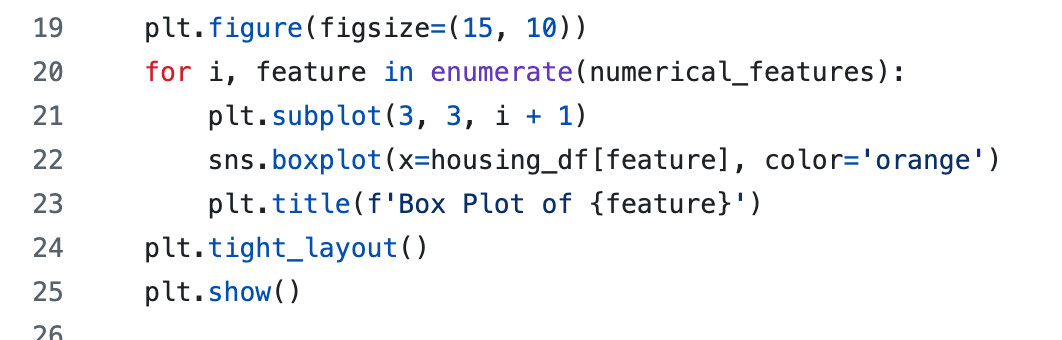
但也就这样吧,效果不是最佳但也能用
Last Modified in 2025-11-25
