WARNING: This article may be obsolete
This post was published in 2023-11-24. Obviously, expired content is less useful to users if it has already pasted its expiration date.
指很难从google/官网找到dmg/pkg安装包的程序,第一眼看上去似乎只能去mac app store上面下载了,但事实上homebrew能解决下面列举的很多问题。
OneNote:
官网只会提供app store的链接,但homebrew能直接下载安装包:brew install microsoft-onenote
原理是直接解析microsoft的下载链接(所以如果不想用homebrew也可以直接去github上面看最新的brew rb文件):

microsoft remote desktop
官网只会提供app store的链接,但homebrew能直接下载安装包,所以用homebrew安装就可以!
brew install microsoft-remote-desktop
原理和上面的onenote一样,也是直接解析microsoft的下载链接。
🔗 [homebrew-cask/Casks/m/microsoft-remote-desktop.rb at main · Homebrew/homebrew-cask] https://github.com/Homebrew/homebrew-cask/blob/main/Casks/m/microsoft-remote-desktop.rb

microsoft todo
官网和homebrew都找不到安装包,所以目前来看只有通过mac app store才能安装了。
但可以使用网页版。
(至少截止到2025年10月是这样)
gifski (GUI)
🔗 [gifski — highest-quality GIF converter] https://gif.ski/
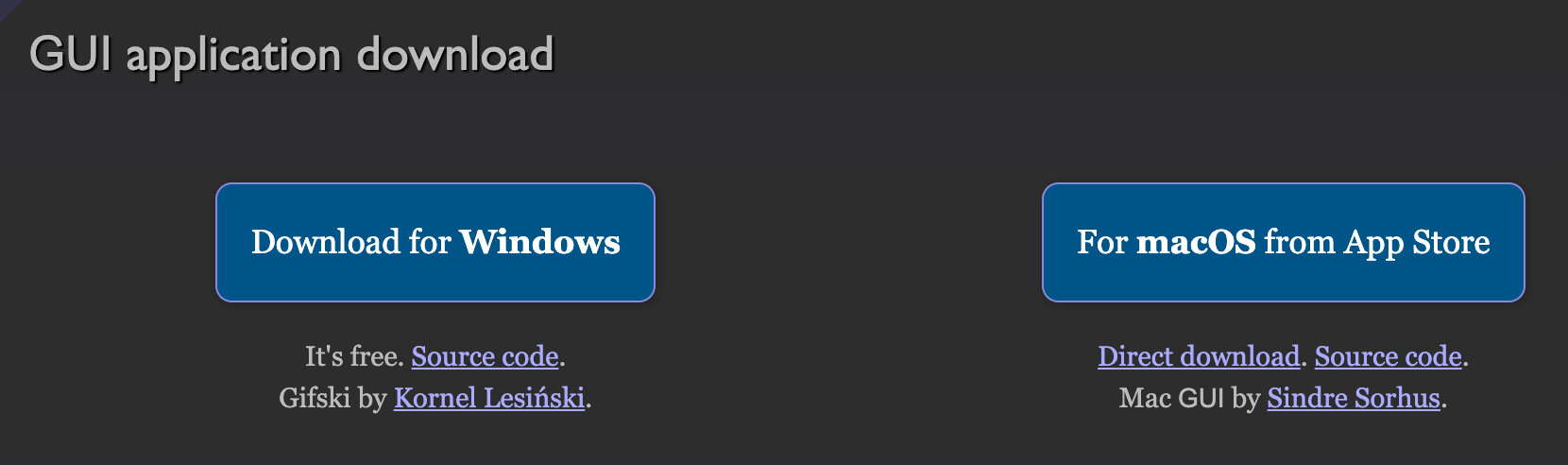
虽然gifski和gifski GUI都是开源的,但以前只能在mac app store里面下载(github上面只有源代码),而现在github上也提供了dmg安装包。
Amphetamine
结构比较复杂,作者在github解释了为什么他会选择把Amphetamine主程序放在mac app store(个人观点:他可以把mac app store的dmg复制一份放在github release...这样并不影响他原本的目的,也不会带来多余开销)
主程序:🔗 [Amphetamine on the Mac App Store] https://apps.apple.com/gb/app/amphetamine/id937984704
辅助程序:🔗 [x74353/Amphetamine-Enhancer: Add new abilities to the macOS keep-awake utility, Amphetamine.] https://github.com/x74353/Amphetamine-Enhancer
另一个辅助程序:🔗 [Hello 👋🏼 | Amphetamine Power Protect 🔌] https://x74353.github.io/Amphetamine-Power-Protect/
Paragon NTFS小版本
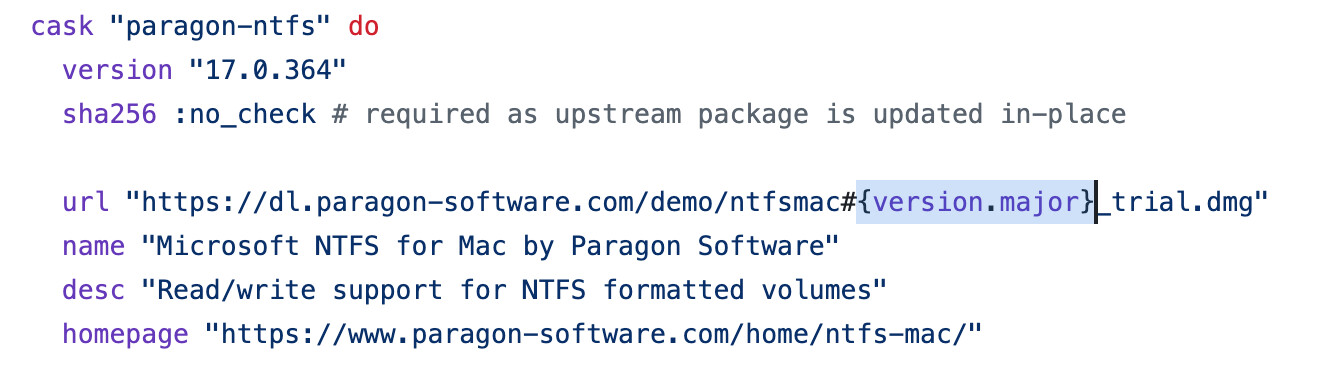
小版本号目前似乎无解。官网下载链接只提供大版本号的dmg(也就是说同一个链接在不同时间下载到的资源可能是不一样的):